 ScrobbleWall
Your desktop, made of what you listen to
A small Windows app that reads your Last.fm history and turns it into wallpapers: the album playing right now, the bands you keep coming back to, the hours you actually listen. Free, no ads, no account to create.
Windows 10 and 11 · You only need your Last.fm username
Nine ways to look at what you listen to
You pick which ones go into the rotation and how often it changes. Each one can cover the last week, month, three months, six months, year, or your whole history.
Playing right now
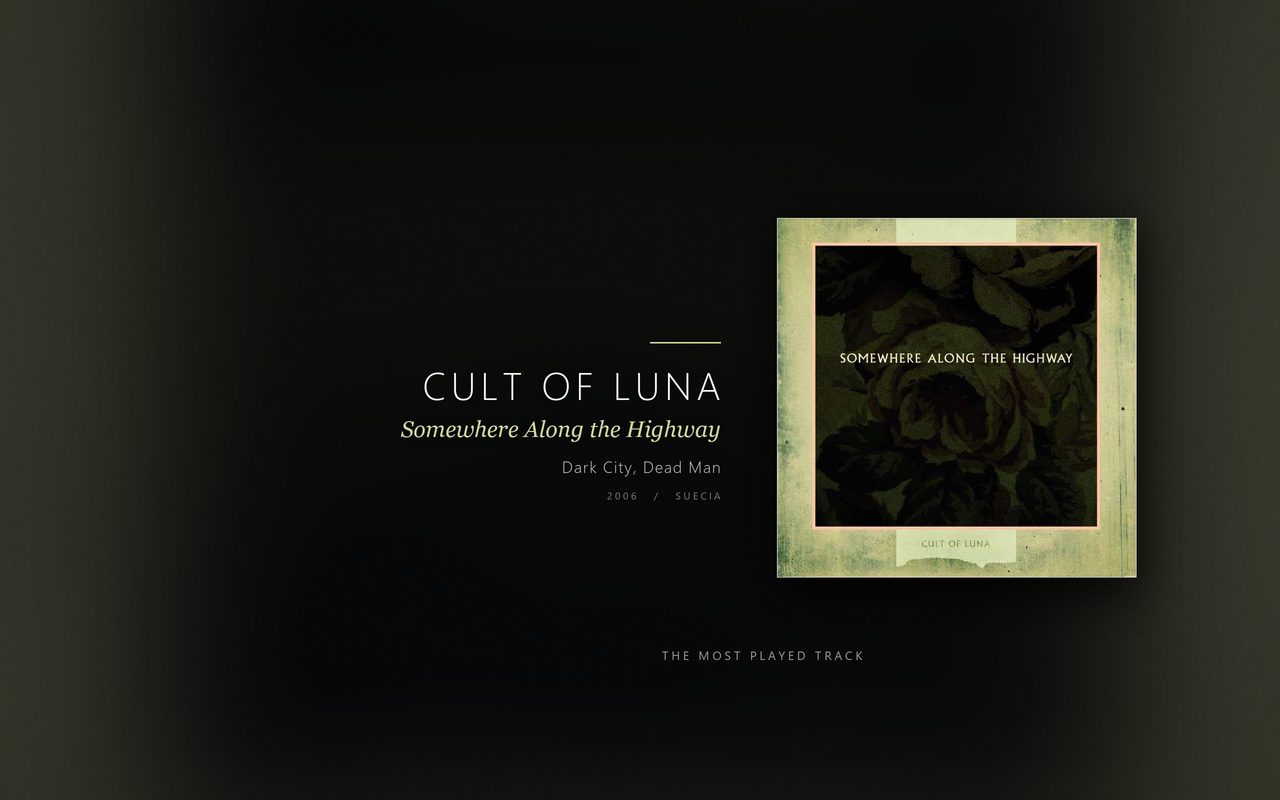
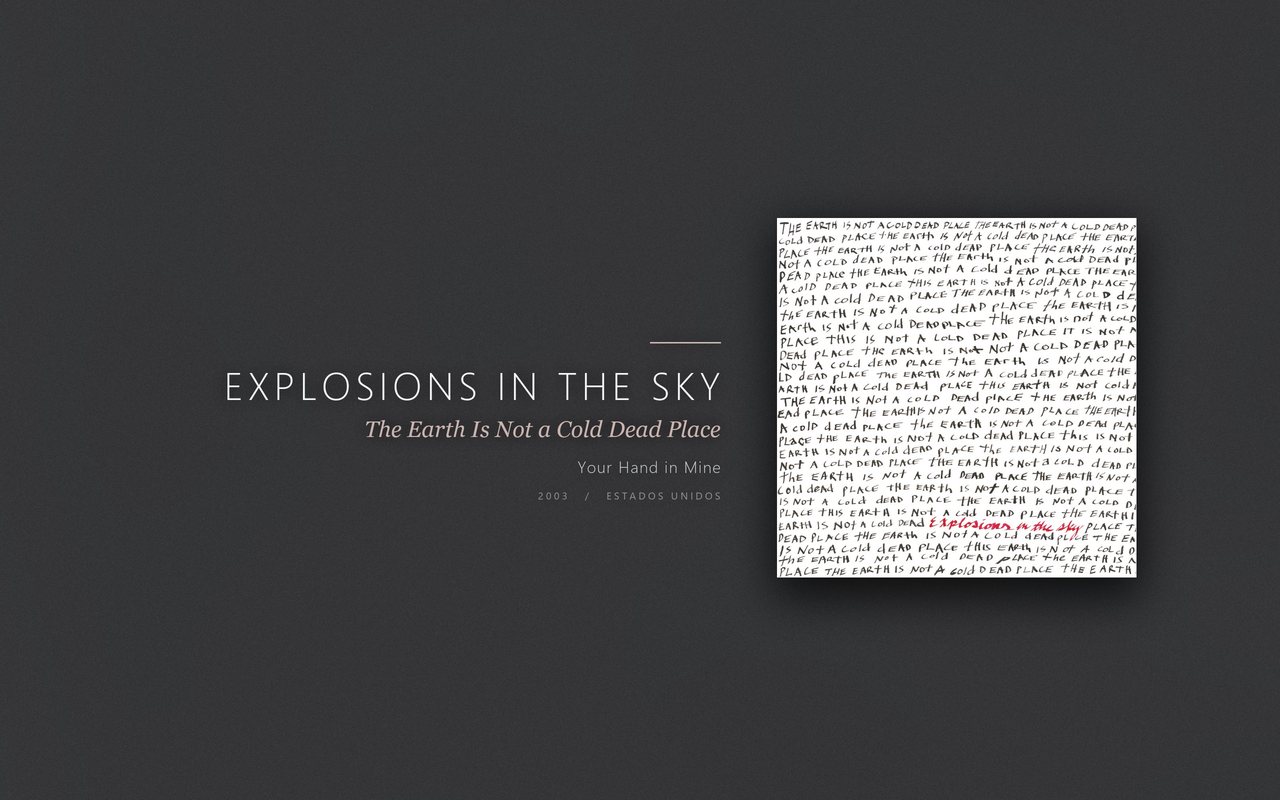
Checks every two minutes and interrupts the rotation with the cover of whatever you started playing, plus the year and the nationality of the band.
Most played track
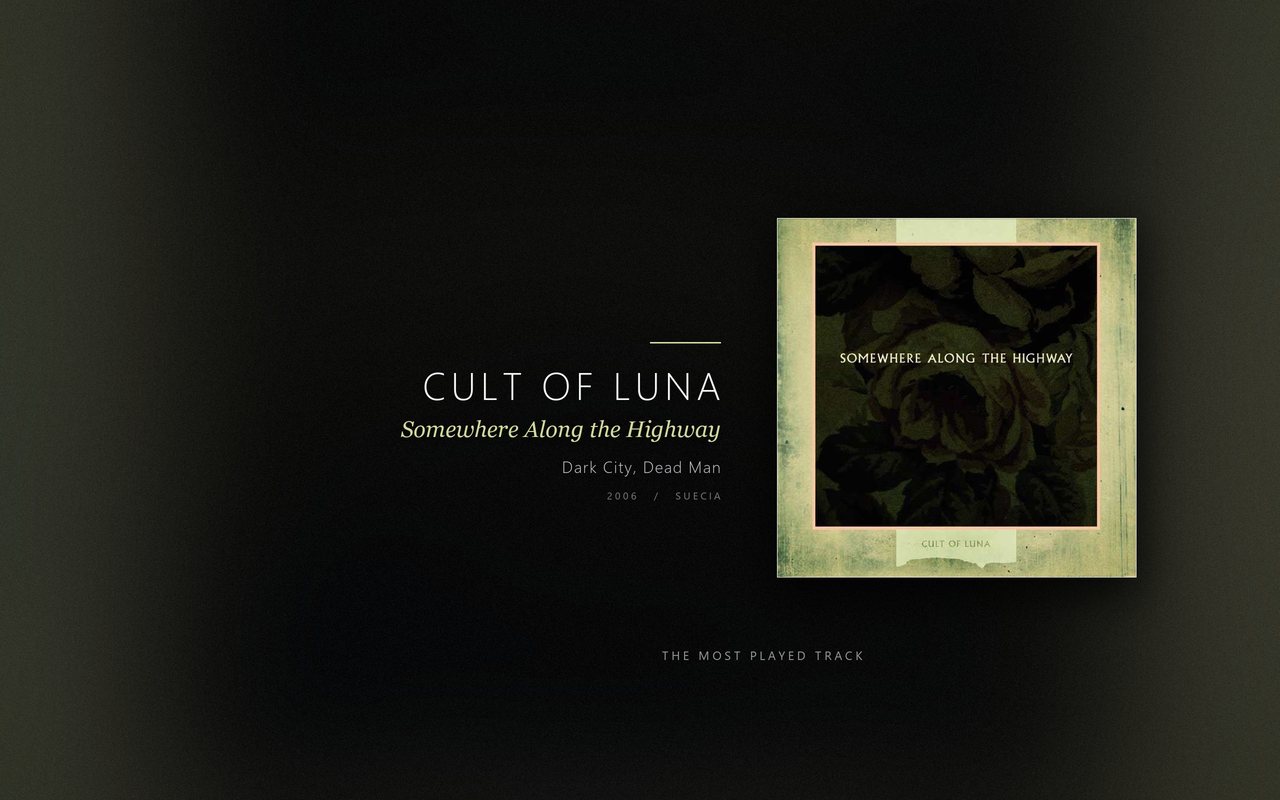
The one song you came back to the most, over any period you pick.
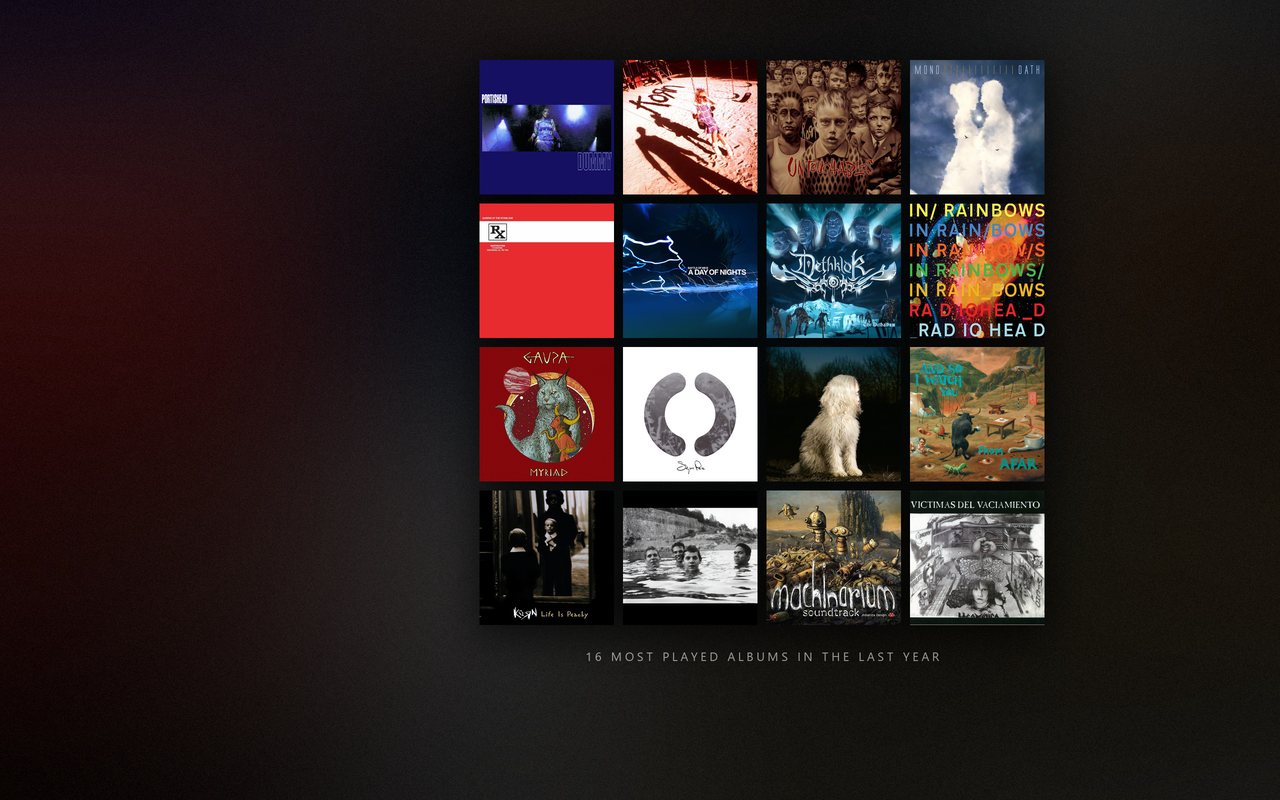
Album collage
Your top 1, 4, 8, 16 or 32 albums, laid out on a grid.
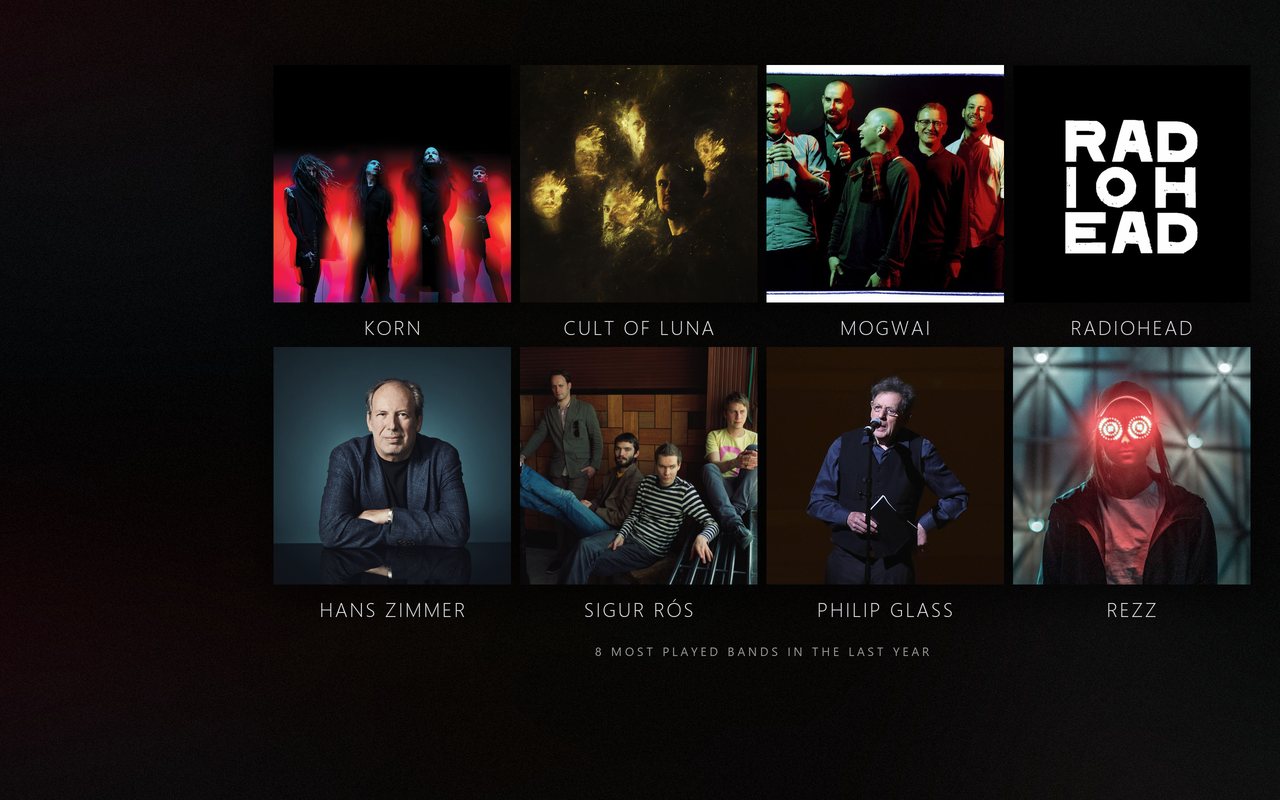
Band collage
The same, with photos of the bands and their names underneath.
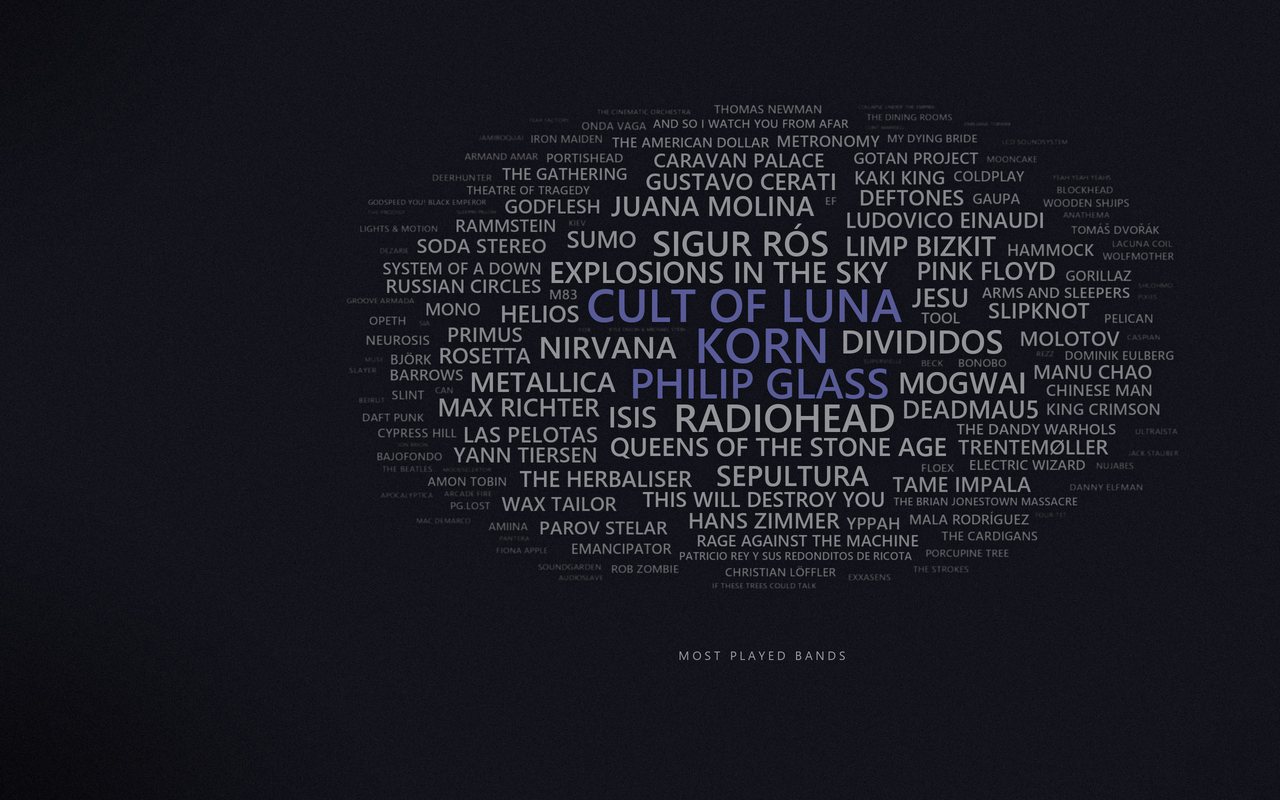
Band word cloud
The more you play a band, the bigger and sharper its name gets; the rest blurs into the background.
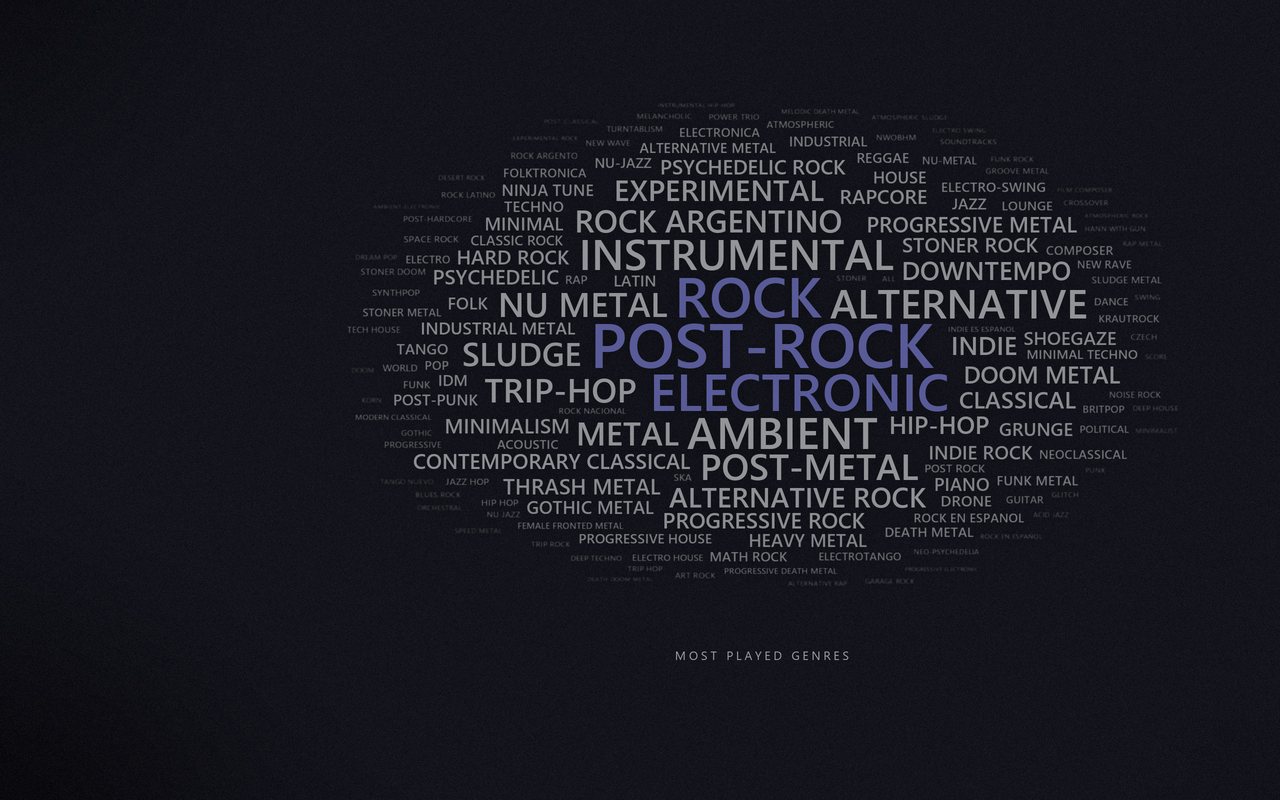
Genre word cloud
The tags behind your bands, weighed by how much you play them. Usually the most honest description of your taste.
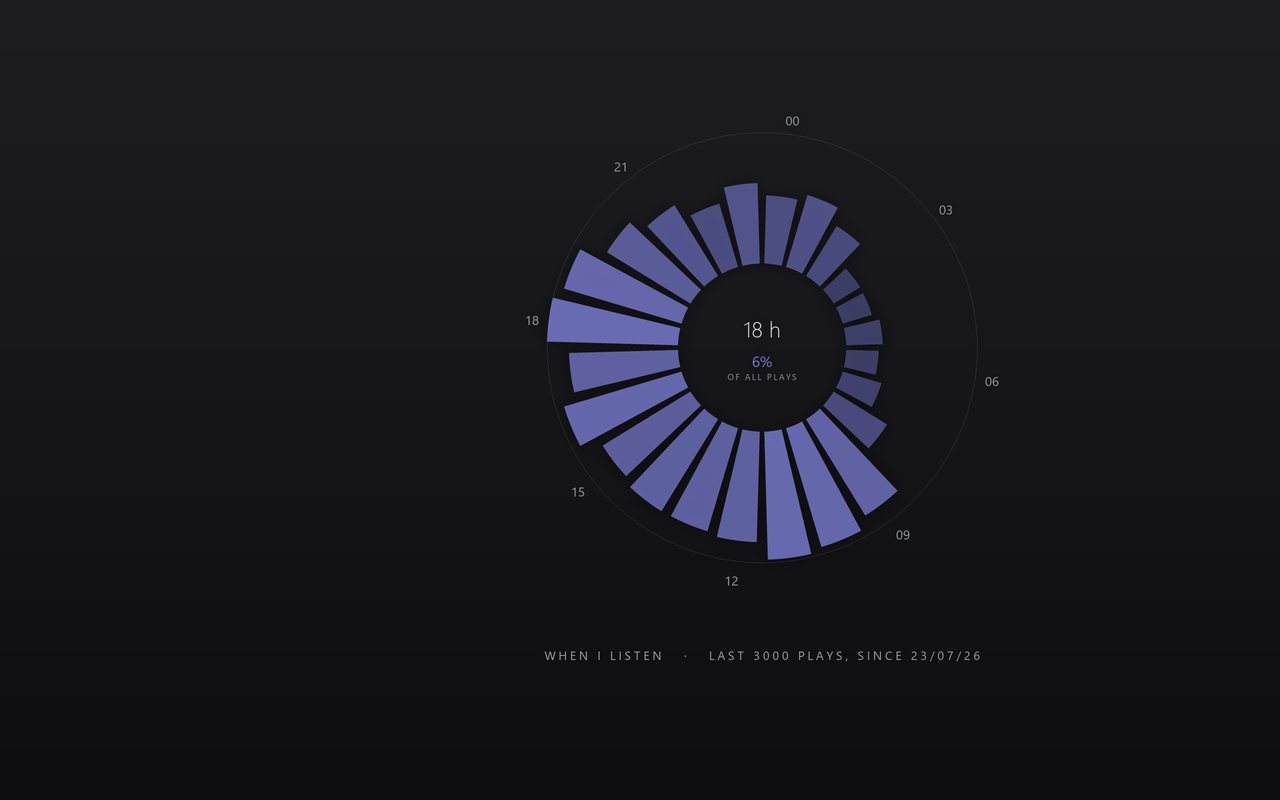
Listening clock
Twenty-four bars, one per hour, built from your last 3000 plays. The centre tells you when you listen most.
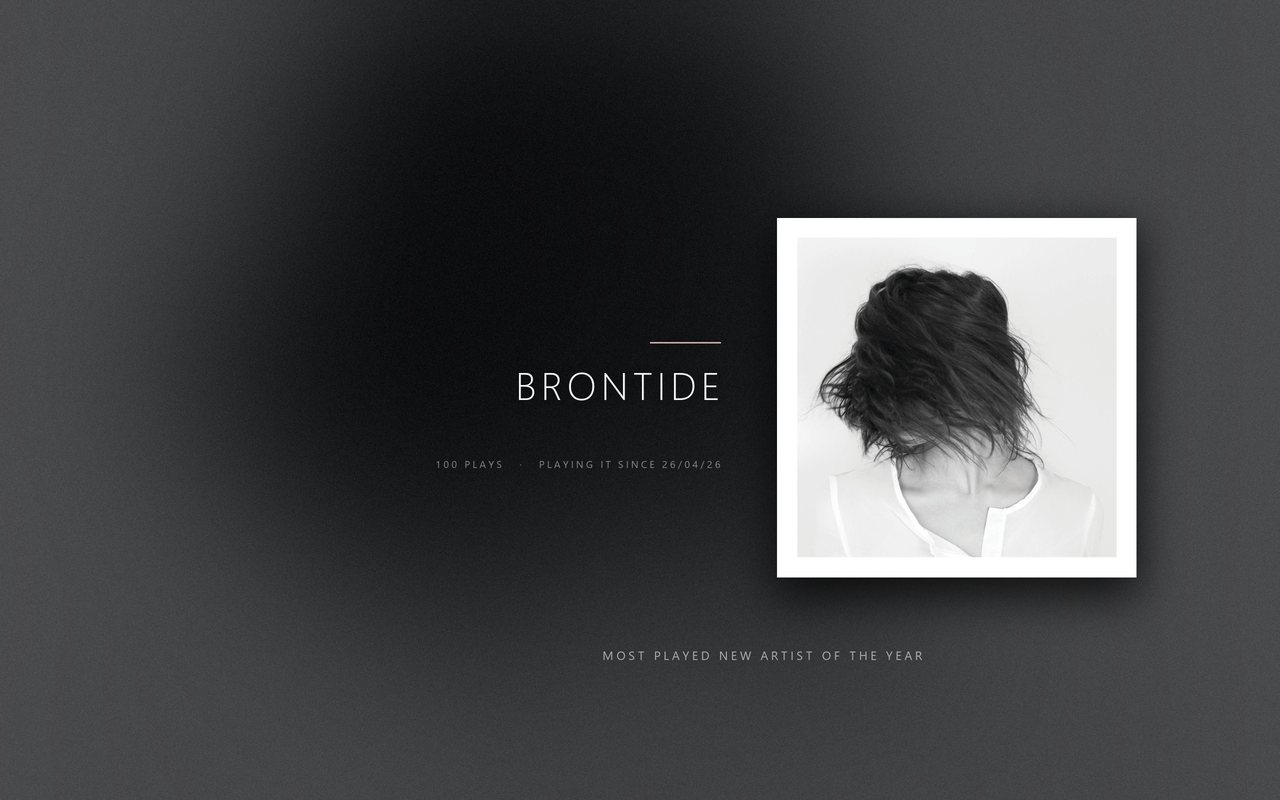
New artist of the year
Whoever you discovered in the last twelve months and played the most, with the date you first heard them.
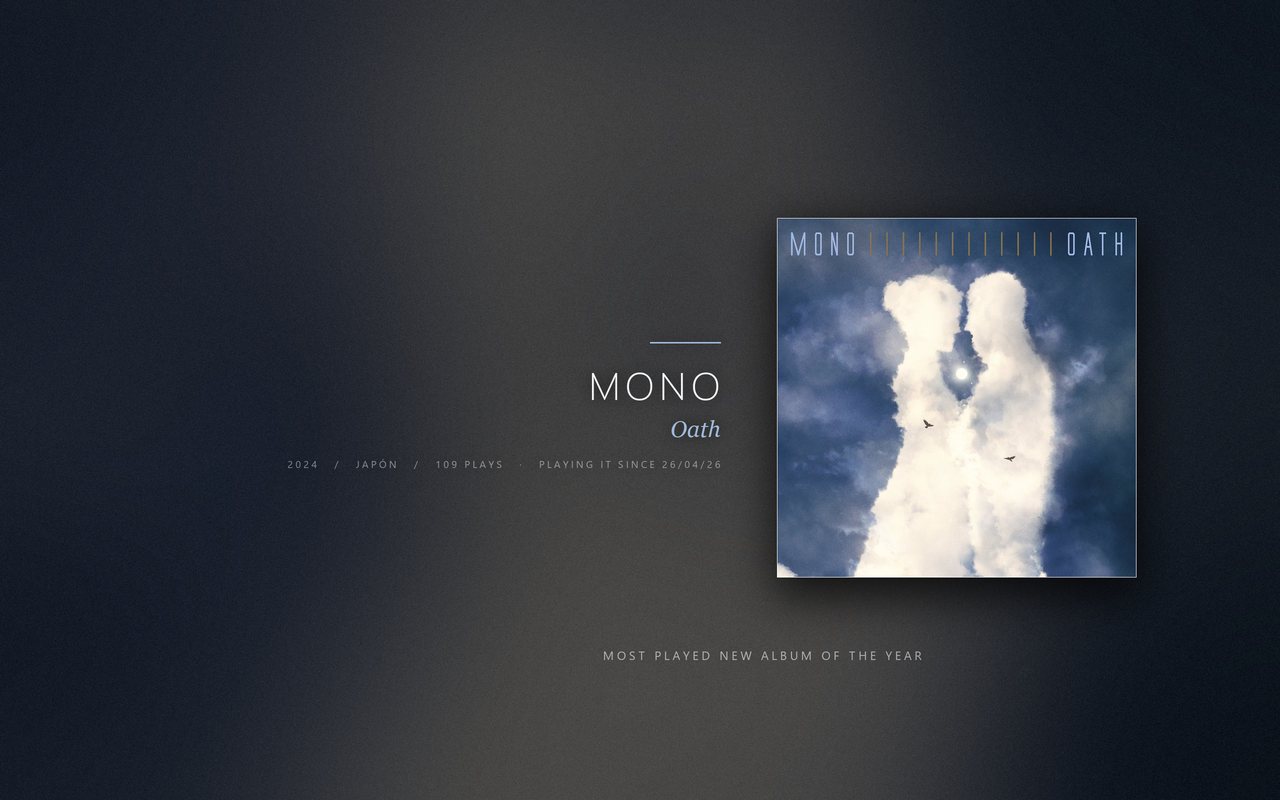
New album of the year
The same for albums, with the release year and where the band is from.
Details that matter
- One wallpaper per monitor A different one on each screen, and you choose which one gets interrupted by what you are playing.
- The content area is yours Drag the dotted rectangle over the preview to keep your desktop icons clear, or to move everything to the second screen's side.
- Three typefaces Shown with your own most played album, so you see how they actually look.
- 21 languages English, Spanish, Portuguese, French, German, Italian, Russian, Japanese, Chinese, Korean, Polish, Dutch, Turkish, Swedish, Czech, Ukrainian, Greek, Romanian, Hungarian, Finnish and Indonesian — both in the window and in the text drawn on the wallpapers, with the right typeface for each script.
- Truly portable The portable build writes nothing outside its own folder. It runs from a USB stick and needs no administrator rights.
- Nothing leaves your computer No accounts, no analytics, no telemetry. It talks to Last.fm to read your history and to the cover art services to find album art. That's it.
Questions
Do I need a Last.fm API key?
No. The app brings its own. You only type your username, the one in last.fm/user/YOUR_NAME.
Do I have to give it my password?
No, and there is no field to type one. The app reads what you listen to, which is already public on your Last.fm profile.
Can I use it on a work computer where I cannot install anything?
Yes, that is what the portable version is for. Unzip it wherever you like, including a USB stick, and double-click it. It asks for no administrator rights and leaves nothing behind on the machine.
Does it work with Spotify?
Partly. Last.fm is the recommended source because it has your whole history. Spotify works as an alternative, but with fewer wallpaper types and fewer time ranges.
How do I uninstall it?
Open ScrobbleWall, click Turn off, and then delete the program. The order matters: that button removes the task that changes your wallpapers and offers to delete the images it created. If you delete the executable without turning it off first, the task stays registered in Windows pointing at a file that is no longer there.
What does it cost?
Nothing. There is no paid version, no ads and no data collection. If you want to chip in, the links are below, but everything works without paying.
Is it available in my language?
It comes in 21: English, Spanish, Portuguese, French, German, Italian, Russian, Japanese, Chinese, Korean, Polish, Dutch, Turkish, Swedish, Czech, Ukrainian, Greek, Romanian, Hungarian, Finnish and Indonesian. The language you pick changes both the window and the text drawn on the wallpapers.
Why did it pick the wrong album cover?
Two bands can share a name. The app scores every candidate and refuses anything below a confidence threshold, but it can still miss. If the cover is wrong, the next track usually fixes itself.
Support the app
It is free and it will stay free. If it earned a coffee, these are the ways:
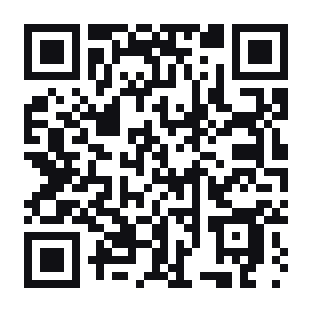
TFxYaY6DHeHyUkz3fQB5szhCbzr6zSXGGf